
 Deutsch
  Español
  Italiano
  Ελληνικά
 Watch Virtual Try-On (AR) | Let Customers Try Watches on Their Wrist in Real Time
Make your watch brand more visible to customers with our AR watch try-on and let them make a quick and confident purchase decision. Let them visualize the watch on their wrist in real time directly through their smartphone, tablet, or desktop.
Our Clients




Why iAUGMENT Virtual Try-On Works
Advanced resources to make your watch brand successful.
Platform & Setup

Dedicated Dashboard

Go-Live, Quick

Customization
Experience & Growth

Real world Experience

Buy with Confidence
After experiencing the watch through AR, customers become more confident about their purchase, greatly reducing the chances of returns.

Attract Digital-first Buyers
Watch try-on appeals to digital-first buyers, as it lets them experience the product through AR watches try-on from the comfort of their home.
Key features of Virtual Try-on
Unmatched features that complement your watch brand
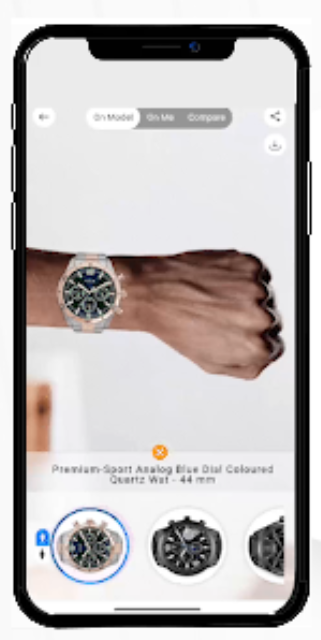
Realistic 3D Watch Visualization
Feature watches with true-to-life textures, reflections, materials, and finishes for an authentic AR watch try-on experience.
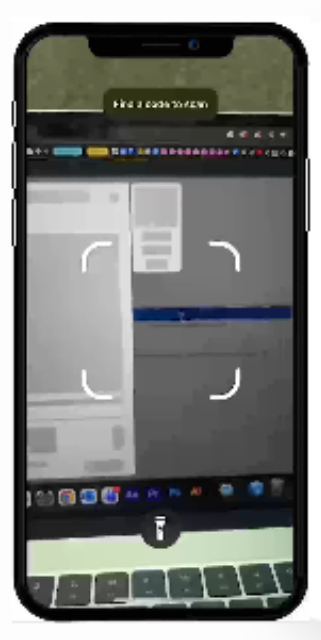
No App Download Required
No app download required.
Customers can access the VTO directly from:
- Product Description pages
- QR codes
- Campaign links
- Existing mobile apps
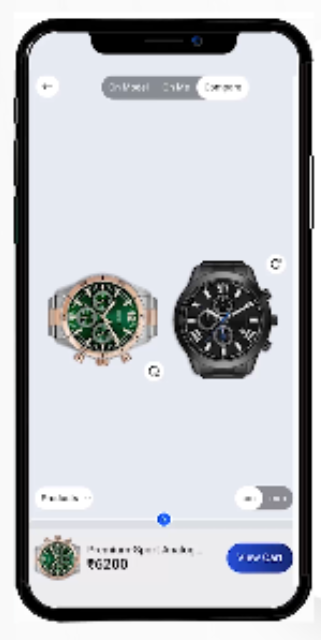
Multiple Watch Variations
Allow users to switch between:
- Multiple watches
- Compare multiple variants
- Stack watches
- Try on model with personalised experience
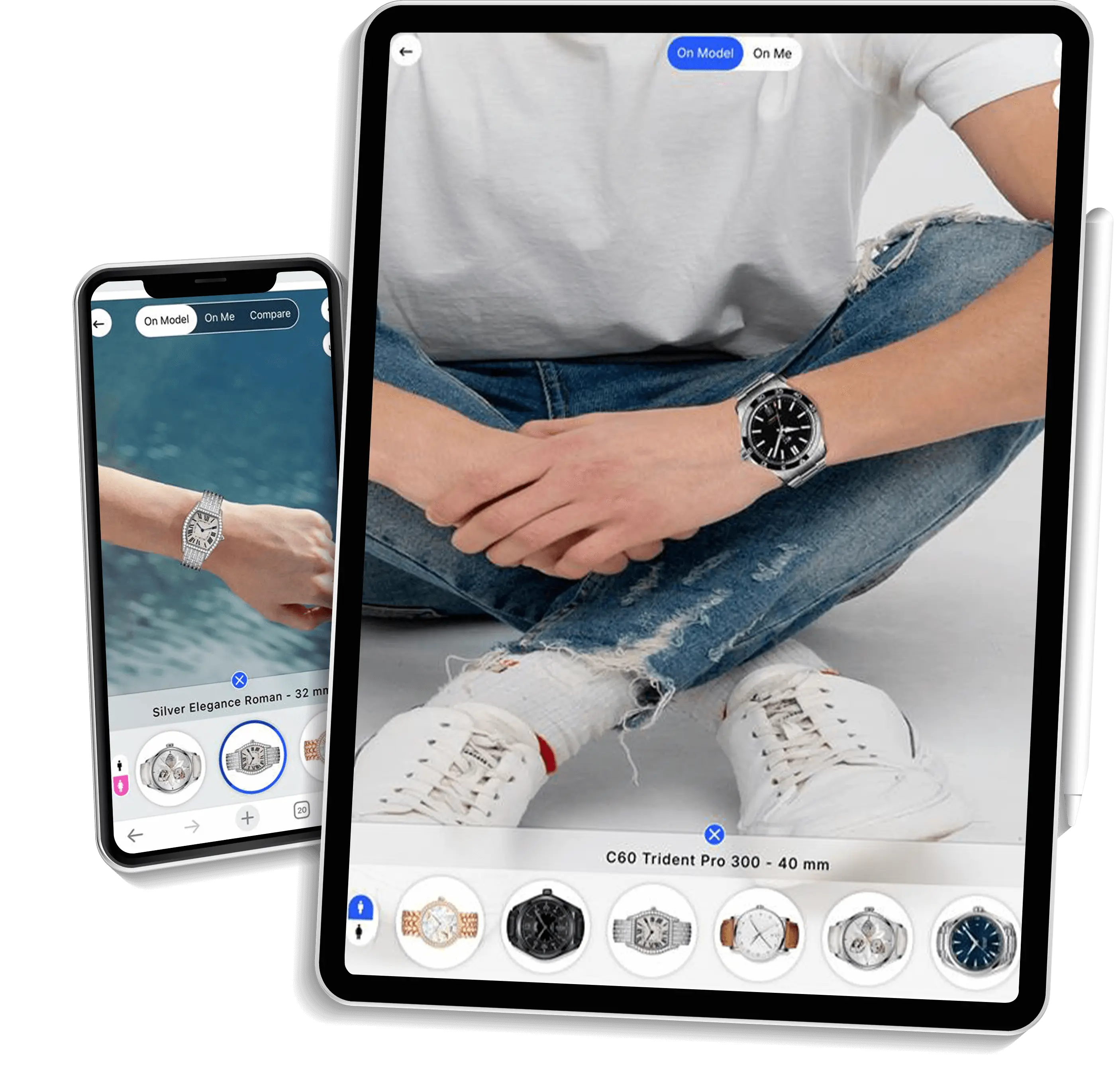
Cross-Device Compatibility
Customers can smoothly use our VTO solution on any device. A desktop or laptop syncs with a mobile within seconds for a better understanding of products.